

AA GAME Online Not Working: Fixes for Loading and Install Errors
You tapped the icon, the splash screen appeared, and then it froze. Or the download bar stalled at 87 percent and never moved again. If that sounds like your last ten minutes, you are in the right place. I teach beginners how to sideload Android games, and the same handful of problems come up in almost every session. The good news is that most of them trace back to three or four causes, and none of them require a factory reset.
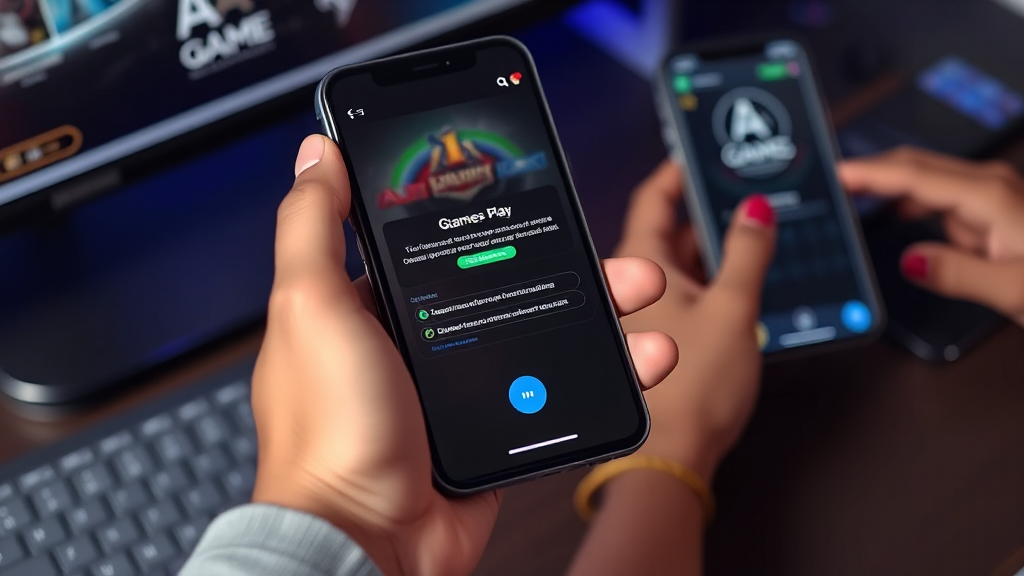
Before we start fixing anything, it helps to know what you are actually working with. AA GAME Online is a catalog of Android game listings, and each entry carries package details, version numbers, file sizes, and source notes. That structure matters because half of all “it won’t work” complaints are really “I installed a version my phone cannot run.” So let’s treat the catalog as a diagnostic tool, not just a download page.
Matching the Symptom to the Real Cause
Beginners usually describe the problem in terms of what they see, not what broke. A frozen splash screen, a failed install, a black screen after launch, and a game that closes itself after twenty seconds all feel different but often share roots. Below is how I walk students through it, in prose rather than a checklist, because the reasoning is what you need to carry forward.
If the app installs but refuses to open, the most common culprit is an Android version mismatch. Every listing on a proper catalog page states its minimum supported Android release. A game built for Android 11 will often install silently on Android 9 and then crash the moment it tries to call a newer system API. The fix is not to hunt for a workaround; it is to check the package details before you download and pick a build that matches your device. If no matching build exists, that entry simply is not for your phone, and forcing it wastes an evening.
If the install itself fails with a generic “app not installed” message, the cause is usually a leftover signature conflict. Android will not overwrite an existing app with a build signed by a different key. If you previously installed the same game from another source, the old package is still sitting there blocking the new one. Uninstall the old copy completely, clear any leftover folders, and try again. This one fix resolves a surprising share of frustrated messages I get from beginners.
If the game loads but stutters, lags, or heats the phone within minutes, look at file size and asset requirements rather than the app package alone. Many modern Android games ship a small installer and then pull hundreds of megabytes of assets on first launch. On a slow connection that first-run download looks exactly like a freeze. Give it five uninterrupted minutes on Wi-Fi before you conclude anything is broken. If storage is nearly full, the asset extraction can also fail silently, so keep at least a couple of gigabytes free.
If nothing downloads at all, check whether your browser or file manager is blocking the file type. Some Android builds flag sideloaded packages by default, and the download simply never completes. Allowing installs from that specific source in your security settings, then retrying, usually clears it. If the page itself will not load, try a different browser before assuming the catalog is down.
One more pattern worth naming: version confusion. Two listings for what looks like the same game may be different builds entirely, with different sizes and different device targets. Comparing version and size side by side before you commit is the single habit that prevents the most rework. Students who skip this step tend to install three builds in a row and blame the game.
If you want a structured place to compare those details rather than guessing from screenshots, the AA GAME Online catalog lays out version, size, and source notes for each entry so the comparison happens before the download, not after the failure.
What I Recommend You Do Next
Start with the simplest diagnostic: confirm your Android version, then open the listing and read the package details for the build you want. If the minimum version is higher than yours, stop there. No amount of clearing cache will fix a hard API requirement, and chasing it is the most common way beginners lose an afternoon.
If the version matches, uninstall any existing copy of that game, free up storage, and download over Wi-Fi rather than mobile data. Install once, launch once, and give the first-run asset download a full five minutes before you judge it. If it still fails, note the exact error message. “App not installed” and “parsing error” point to different causes, and knowing which one you got saves you from applying the wrong fix.
For persistent cases, the practical move is to try an older build of the same game. Older builds often target a wider range of devices, and the catalog usually lists several. This is not a downgrade in quality so much as a compatibility adjustment, and it is the fix I reach for last because it works most reliably.
Finally, treat source notes as part of the troubleshooting, not decoration. A listing that tells you where a build came from and what it expects gives you a way to reason about failures instead of guessing. That habit, more than any single trick, is what turns a stuck beginner into someone who can solve the next problem alone.
Frequently Asked Questions
Why does AA GAME Online install but not open?
Almost always an Android version mismatch. The build requires a newer Android release than your phone runs, so it installs and then crashes on launch. Check the minimum version in the package details and pick a compatible build.
What does “app not installed” mean when I try to sideload?
It usually means an older copy of the same game is still on your phone with a different signature. Uninstall the existing version completely, clear leftover folders, and install again.
Is a long first launch a freeze or a download?
It is usually a download. Many builds pull large asset files after the initial install, which looks identical to a frozen screen. Stay on Wi-Fi for five uninterrupted minutes and keep plenty of free storage.
Should I try an older version if the latest keeps failing?
Yes, that is a sensible last step. Older builds often support a wider range of Android devices, and comparing version and size in the catalog helps you choose one that fits your phone.



Leave a Reply